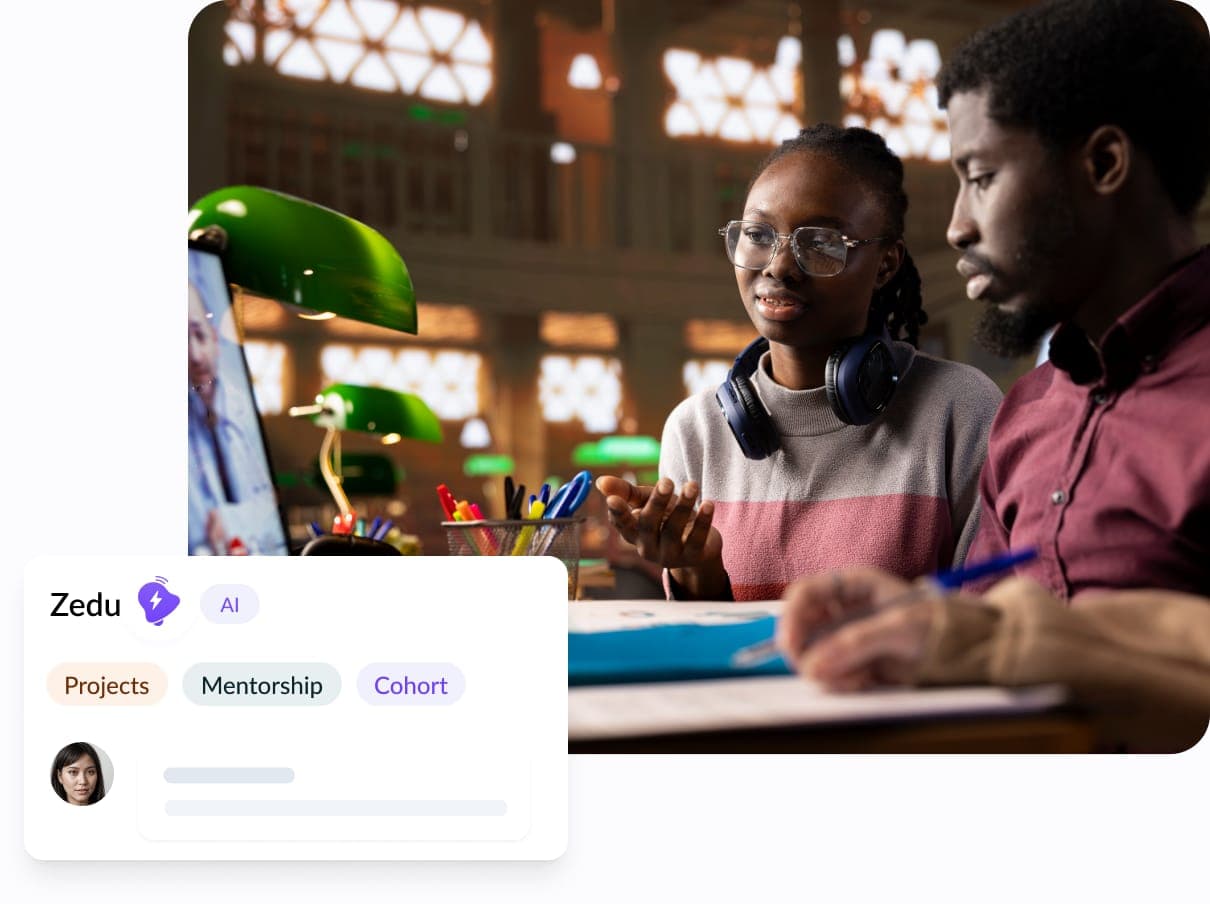
Channels
Organize each course, project, or exam prep topic in its own channel so discussions stay easy to follow.
Keep course questions, exam prep, and project work in separate channels so your group always knows where to look.
Ask in the group channel or send a direct message when you need a quick answer without derailing the main discussion.
Start a Buzz voice session when typing is too slow, then catch up with an AI summary of what your group discussed.
Channels, direct messages, live sessions, and shared files work together so your group can focus on learning.
Organize each course, project, or exam prep topic in its own channel so discussions stay easy to follow.
Ask a classmate a quick question or share a resource privately without leaving the group workspace.
Start a voice session when your group needs to talk it through, then keep the AI summary with the conversation.
Keep notes, past questions, slides, and recordings together so everyone studies from the same materials.
Set up your group once, then keep everything your group needs in the same workspace.
Set up a workspace for your study group in a few minutes.
Bring in classmates, project partners, or your whole cohort.
Create spaces for each course, project, or exam prep topic.
Chat, share files, and start a Buzz session whenever you need.
Yes. Create a workspace for your group and invite only the people who should have access.
Yes. Zedu works on the web and on mobile, so your group can keep studying wherever they are.
Yes. Start a Buzz from a channel when your group needs to talk it through, and the AI summary stays with the conversation.
Yes. Shared files and channels keep notes, past questions, slides, and recordings in one place beside the discussion.
Yes. Start for free and upgrade when your group needs more space, features, or members.